Gatekeeper+ Wallet Feature
A comprehensive guide to managing your digital wallet via the Gatekeeper+ Dashboard.
1
Accessing the Gatekeeper+ Dashboard
-
→
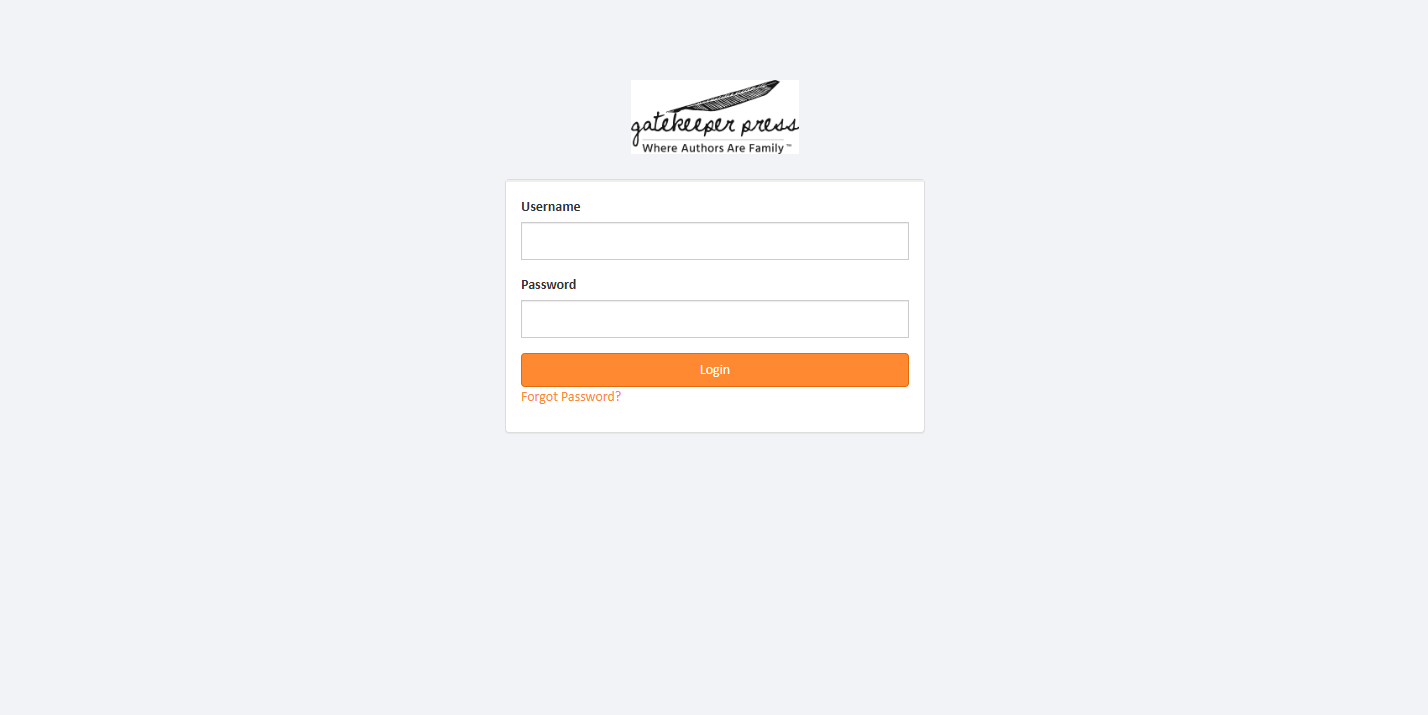
Navigate to the Gatekeeper+ login portal:
https://gatekeeperdashboard.com/ - → Enter your registered credentials to authenticate and access your account.
2
Managing Membership & Credits
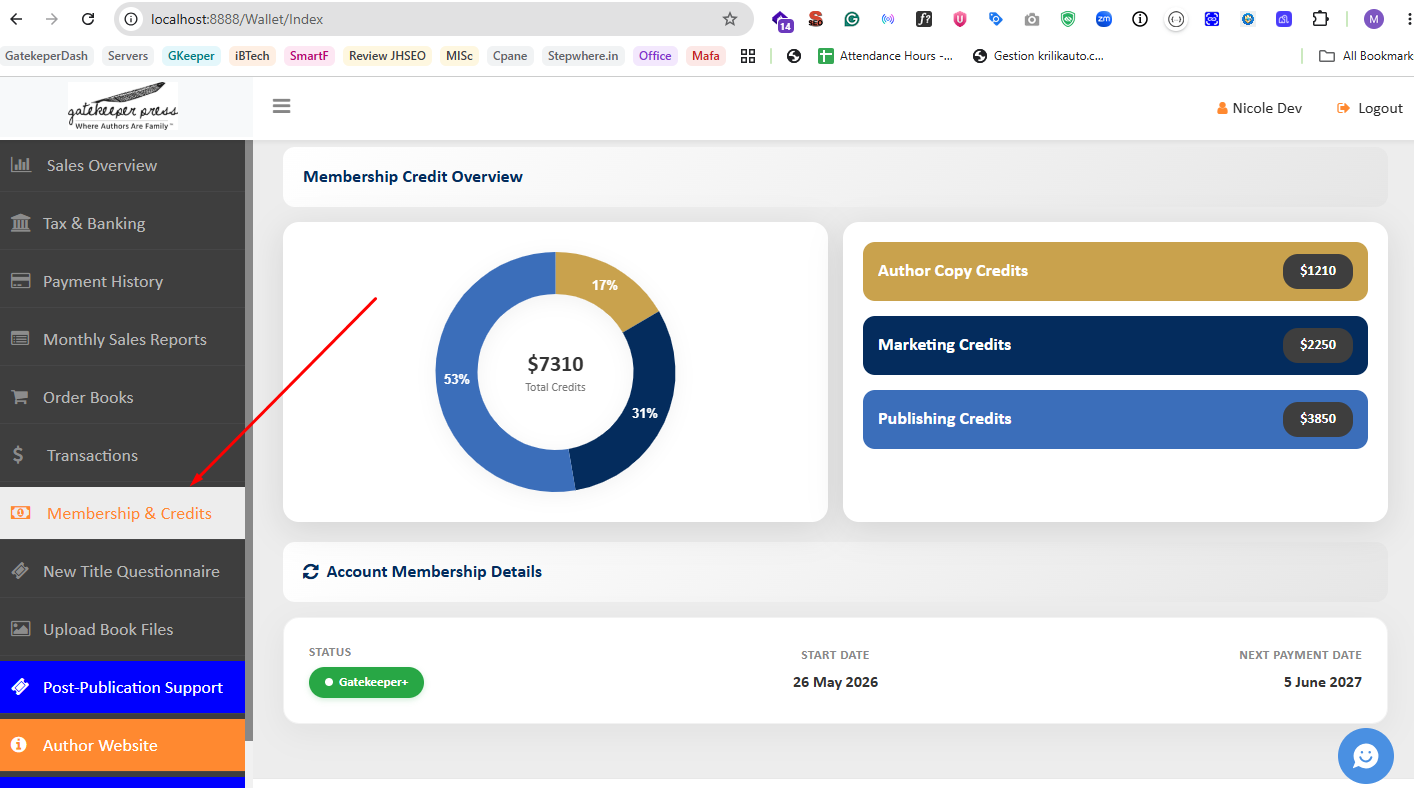
- → Locate the "Membership & Credits" module within the sidebar navigation.
- → Select "Membership & Credits" to review your account standing.
This interface displays your real-time wallet balance and provides a comprehensive overview of your current membership tier and active status.
3
Checkout + Credit Application
Gatekeeper+ credits can be seamlessly applied during the checkout process to offset your total order cost.
- 1. Proceed through the checkout process until you reach the Billing Details section.
- 2. Locate the wallet balance prompt below your billing information.
- 3. Check the box or click the button to apply your available wallet balance. The system will dynamically calculate and deduct the credits from your order total.
Note: The exact credit amount applied depends on your current wallet balance and the total cost of your order. You will see a dynamic breakdown showing how much of the order is covered by credits and the remaining balance to be charged via your payment method.
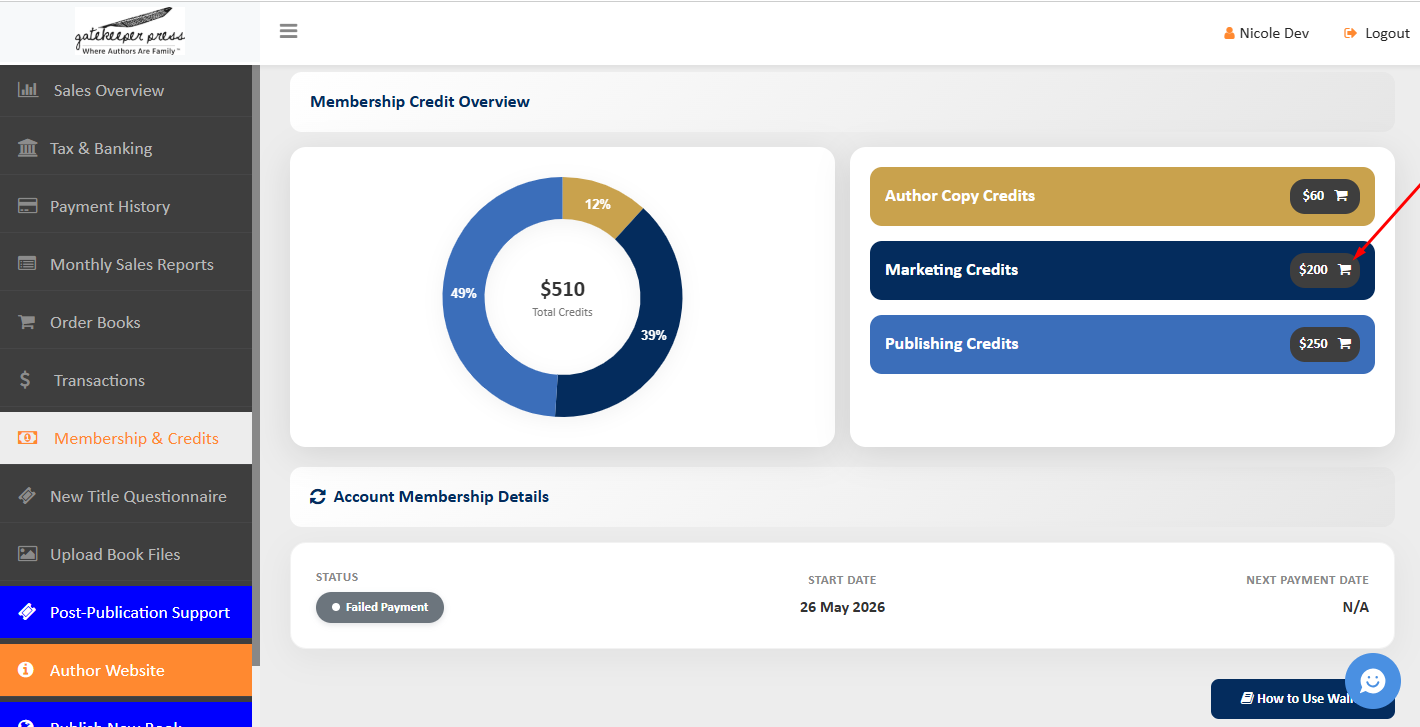
Step 1: Click the Cart Icon
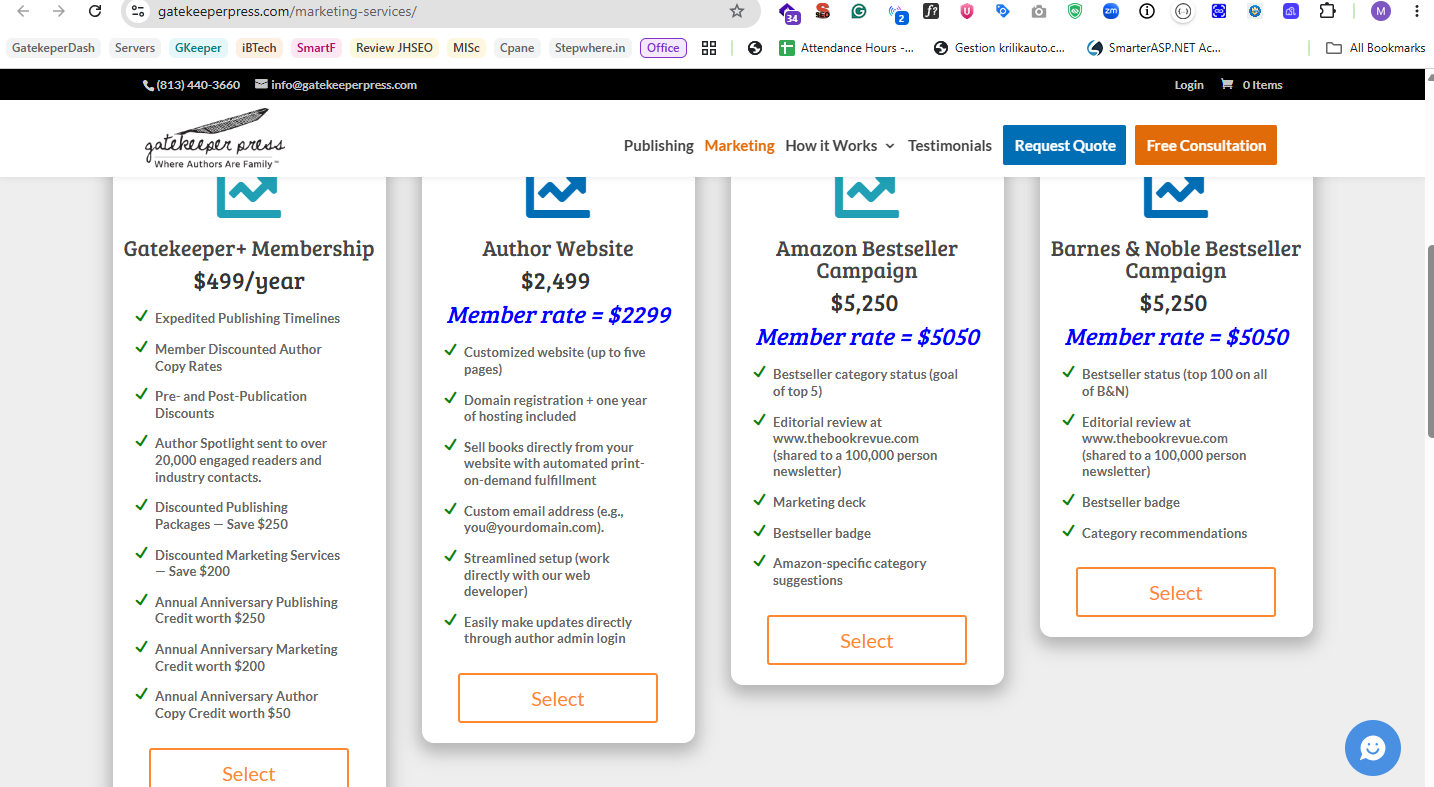
Step 2: Review Product Details
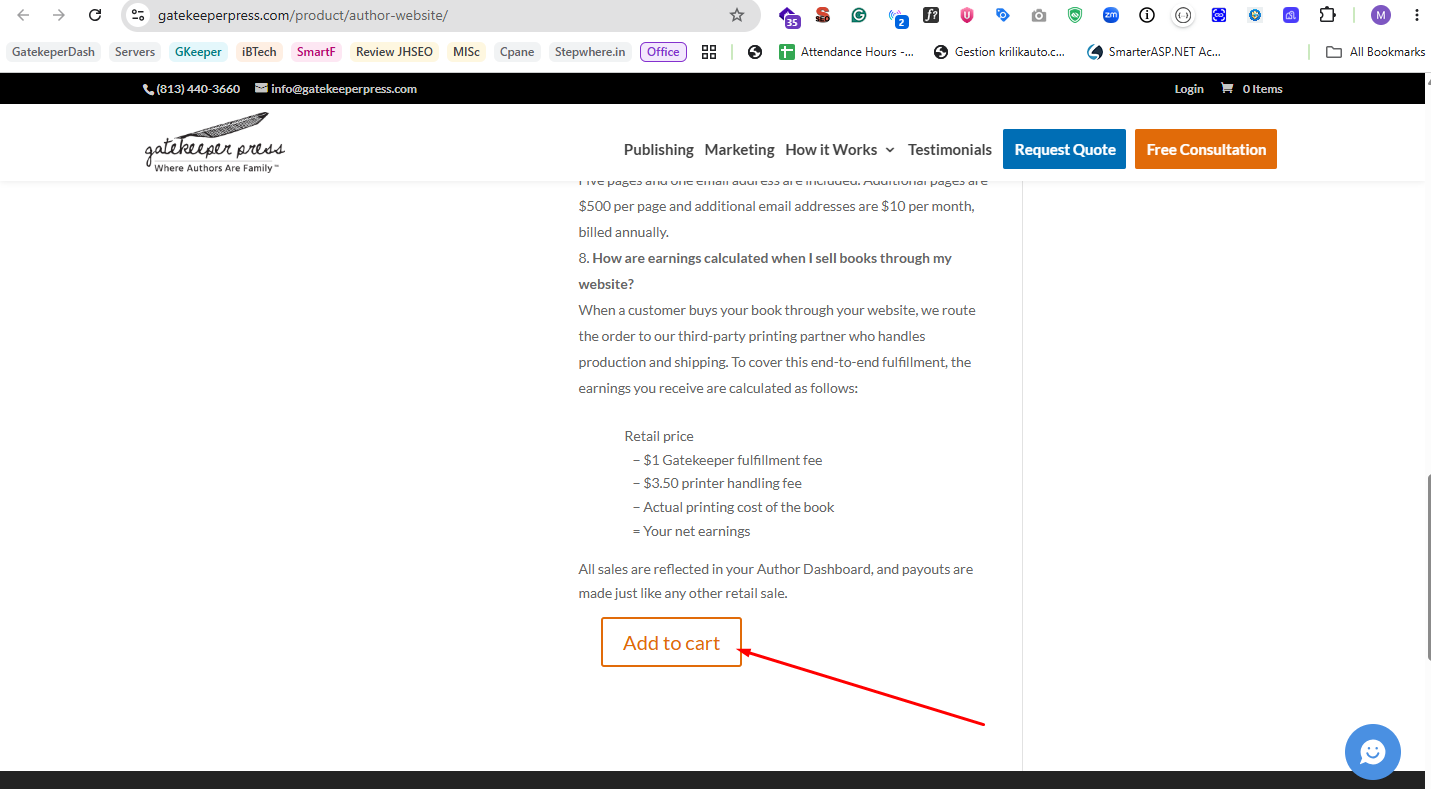
Step 3: Add Items to Your Cart
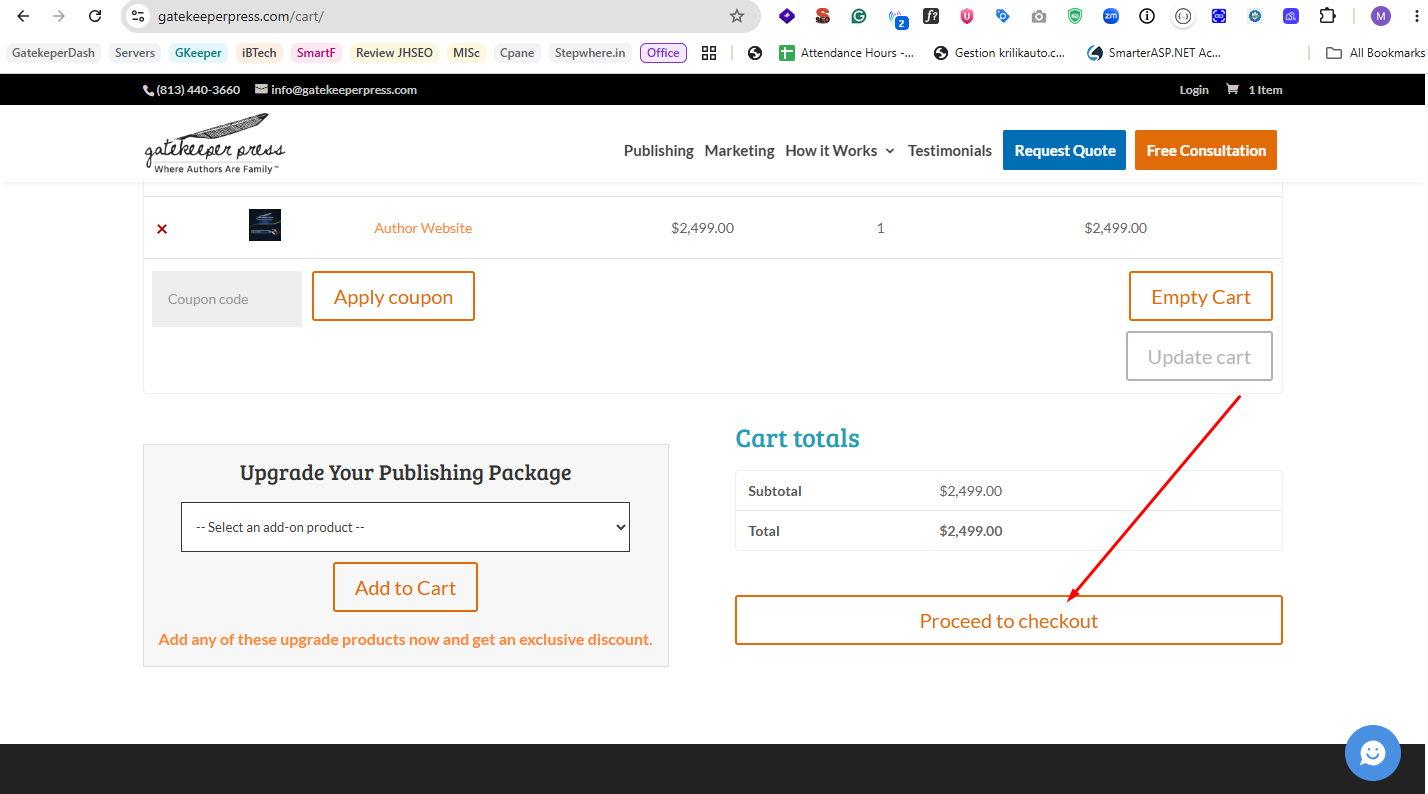
Step 4: Proceed to Checkout
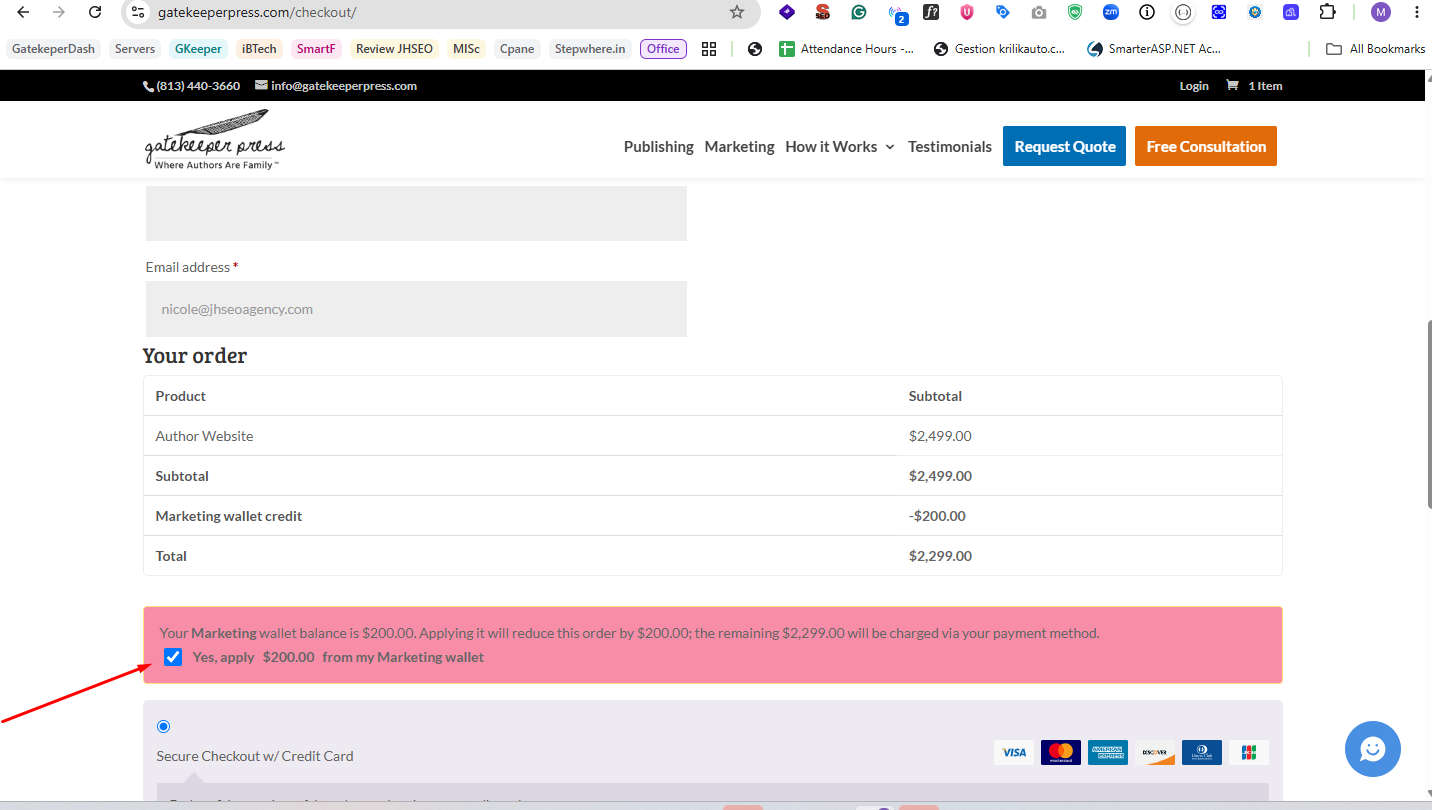
Step 5: Apply Wallet Balance at Billing Details
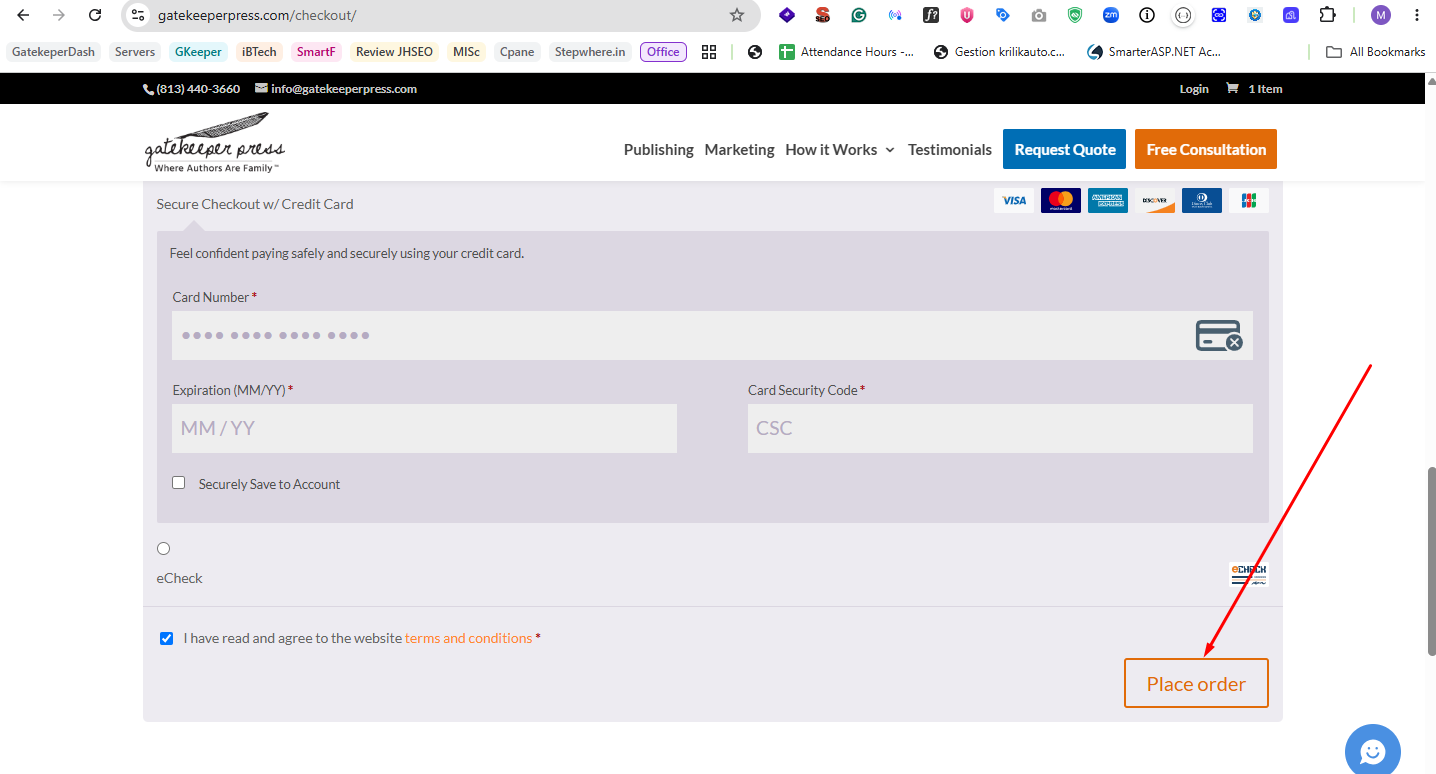
Step 6: Place Order
4
Reviewing Transaction History
- → From the main dashboard, navigate to the sidebar menu.
- → Select the "Transactions" module to view your financial activity.
This section provides a detailed ledger of all wallet-related transactions. Utilize the available filters to sort by transaction type (credit/debit), set pagination limits, and refine your financial overview.